The 15 best technographic data tools in 2026
Most of this category wants a sales call before it will show you a price. I ranked all 15 on what you actually get for the money, and I put the incumbents where I think they belong.
Every vendor in this space tells you the same three things. Most technologies tracked. Most websites covered. Freshest data.
Almost none of them let you check any of it without booking a demo first.
That is the real split in this category. Not coverage. Access.
A few tools let you run a query, see the count, and download the list before lunch. The rest gate everything behind a contract and a credit model built to make bulk export uncomfortable.
So I ranked these by how quickly you get to something useful, and what it costs you to get there.
That is why BuiltWith sits at 9 and Wappalyzer at 8. Both are good tools. Both charge roughly $250 to $300 a month before you have exported a single row.
Roughly by value for money, cheapest and most open at the top, heaviest procurement at the bottom.
Positions 1 to 6 are tools you can use today without talking to anyone. Positions 7 to 9 are the established technographic specialists, priced accordingly. Positions 10 to 15 treat technology data as one feature inside a bigger platform.
Prices are what each vendor published in August 2026 and they move often. Check before you buy.
Jump to a tool
- StackScan best overall
- W3Techs free research data
- WhatRuns free instant lookups
- Datanyze cheapest paid option
- NerdyData source code search
- PredictLeads API and pipelines
- SimilarTech market share trends
- Wappalyzer best detection engine
- BuiltWith deepest history
- Apollo.io outbound all in one
- Clay orchestration layer
- Breeze Intelligence HubSpot native
- ZoomInfo tech plus contacts
- 6sense ABM and intent
- HG Insights enterprise IT spend
The quick comparison
Two columns matter more than the others.
Entry price is what you pay for a working account, not a single free lookup. Self-serve is whether you can buy it today without a call.
| # | Tool | Best for | Coverage claimed | Entry price | Self-serve? |
|---|---|---|---|---|---|
| 1 | StackScan | Fast, cheap list building | 360M+ domains, 55,000 tech | $39/mo | Yes |
| 2 | W3Techs | Market share research | Top 10M sites, 24 categories | Free | Yes |
| 3 | WhatRuns | Instant single site lookups | 50 to 100 added daily | Free | Yes |
| 4 | Datanyze | In-browser prospecting | Not published | $29/mo | Yes |
| 5 | NerdyData | Raw source code search | 20M+ sites, 1,000+ tech | $200/mo | Yes |
| 6 | PredictLeads | Feeding a data pipeline | Multi-signal API | Quote only | Partly |
| 7 | SimilarTech | Adoption trend charts | Not published | Not published | No |
| 8 | Wappalyzer | Detection accuracy and API | ~8,000 tech | $250/mo | Yes |
| 9 | BuiltWith | Historical tech records | ~110,000 tech, 250M+ sites | $295/mo | Yes |
| 10 | Apollo.io | Outbound with light filters | Not published | ~$49/user/mo | Yes |
| 11 | Clay | Chaining many sources | 50+ providers | ~$149/mo | Yes |
| 12 | Breeze Intelligence | Enriching HubSpot records | Not published | HubSpot credits | Yes |
| 13 | ZoomInfo | Tech filters plus contacts | Not published | Enterprise | No |
| 14 | 6sense | ABM and intent scoring | Not published | Enterprise | No |
| 15 | HG Insights | Enterprise IT spend | 25M+ companies | ~$31,000/yr | No |
Scroll the table sideways to see every column.
1. StackScan, the fastest route from a question to a CSV
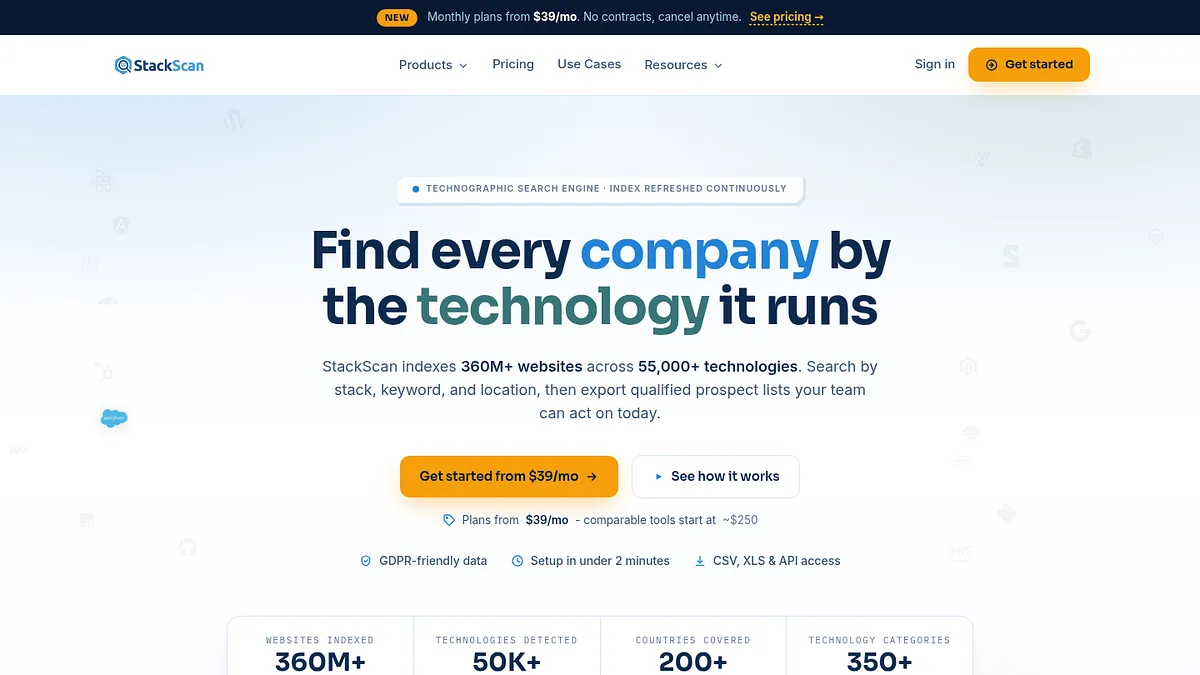
I put StackScan first for a boring reason. It is the only tool near the top of this list that I can buy and use on the same afternoon.
Entry pricing is $39 a month. BuiltWith wants $295. Wappalyzer wants $250.
The product is three tools, and they do genuinely different jobs.
Tech Lookup is the one I use most. Choose from a catalogue of 55,000+ technologies, layer on country, TLD and domain filters, pull the matching domains.
Keyword Scan flips the question. Instead of searching by installed technology, you search page content by keyword or topic. That is how I find companies talking about a category before they have bought anything in it.
Stack Explorer is for browsing. Adoption stats by technology and by country, useful for sizing a market before spending a credit on it.
The index covers 360M+ domains and 55,000 technologies, across 1,000+ TLDs and 200+ countries.
I treat every vendor's headline coverage number as directional. What matters is how many rows come back for your query, and at $39 you can find that out cheaply.
It also connects outward, and further than I first credited. There is a REST API, native CRM integrations, Zapier and n8n hooks, an MCP server for agent workflows, and plain CSV export if you want none of that. Every search becomes a CSV with up to 20 data points per domain. Rebuilding a report for the same technology next month does not burn a fresh credit, so tracking a segment over time is close to free after the first pull.
- Best for
- Cheap, fast list building
- Index
- 360M+ domains
- Entry price
- $39/month
- Export
- CSV, API, CRM, n8n
What I like
- Lowest entry price of any serious tool here
- No sales call, no annual lock-in
- Keyword Scan catches intent that pure detection misses
- Free monthly rebuilds of a report you already paid for
- Clean CSV export instead of throttled row unlocks
Limitations
- Companies and domains, so contact data still comes from elsewhere
- No historical archive like BuiltWith has
- Newer, so less third party review history
2. W3Techs, the free dataset I check before I pay for anything
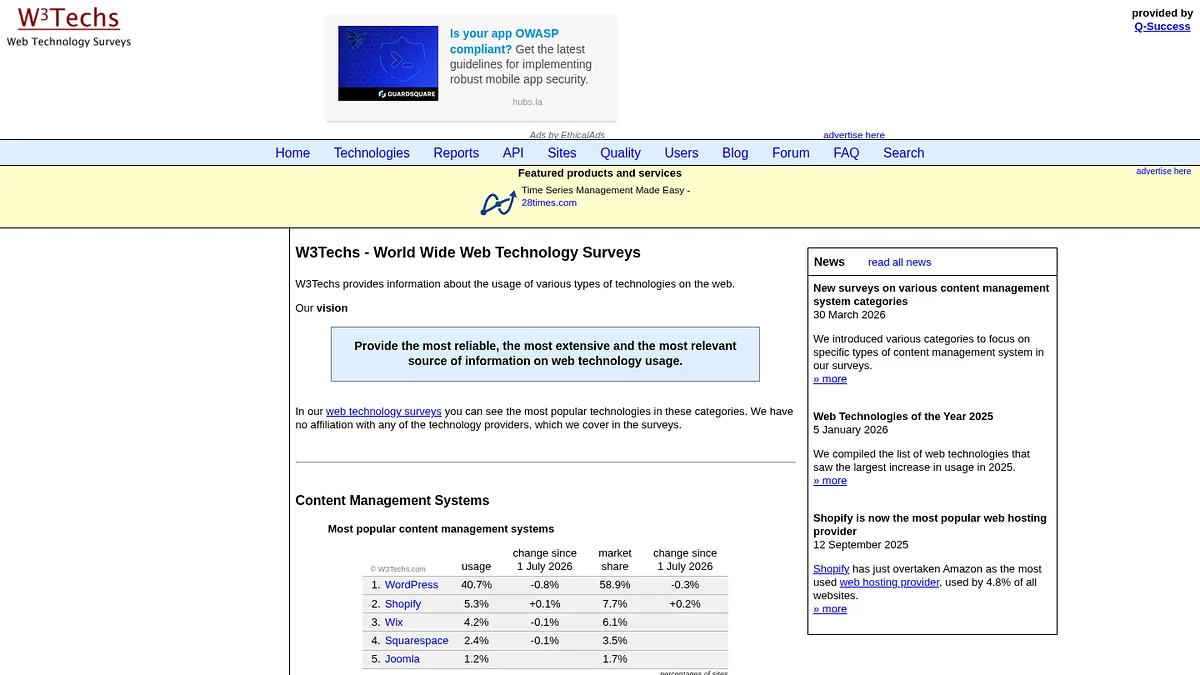
W3Techs is not a list building tool and does not pretend to be. It is a survey.
It samples the top 10 million websites and reports what share of them run each technology, updated daily, across 24 categories.
Content management systems, server side languages, web servers, analytics, hosting, TLDs, email providers. Detection works off several thousand indicators pulled from HTML, JavaScript, CSS, URL structure, HTTP headers and offsite links.
Nearly all of it is free to read on the site.
I use it as a sanity check. Before I spend money proving a segment exists, W3Techs tells me roughly how big it is and whether adoption is climbing or falling.
Paid monthly market reports add historical trends, growth rates and new site usage, sold as single reports or a subscription.
What it will not do is give you domains. The sample is deliberately weighted to established sites, so it is a poor proxy for the long tail, and you cannot filter your way to a prospect list.
- Best for
- Market sizing and trends
- Sample
- Top 10M sites
- Entry price
- Free, reports paid
- Categories
- 24
What I like
- Free, with no account needed
- Updated daily and methodology is published openly
- Long running historical trend data
- No vendor incentive to flatter any particular technology
Limitations
- No domain lists, so no prospecting
- Sample skews to established sites
- Percentages only, not counts you can act on
- Category coverage is broad rather than deep
3. WhatRuns, the free extension I keep pinned
WhatRuns is a browser extension that tells you what a site runs. That is the whole product, and it costs nothing.
Chrome and Firefox, no signup required, no daily lookup cap.
It picks up the usual frameworks and CMS platforms, but the detail I find genuinely useful is further down: WordPress plugins, themes and fonts. Not many tools surface plugin level detail, and if you sell into the WordPress ecosystem that is the field that qualifies a prospect.
It also spots CDNs, tracking tools and analytics, and the team adds somewhere between 50 and 100 new technologies a day.
There is free API access if you want programmatic lookups.
The ceiling is obvious. One site at a time. There is no way to ask which 4,000 sites run a given plugin, which is the question most people are actually trying to answer.
- Best for
- Quick single site checks
- Platforms
- Chrome, Firefox
- Entry price
- Free
- Standout
- WP plugin and theme detail
What I like
- Free with no signup and no lookup limit
- WordPress plugin and theme detection is unusually good
- Picks up fonts, CDNs and tracking scripts
- Free API keys available
Limitations
- One site at a time, no reverse lookup
- No exports and no list building
- No historical record of past stacks
- Detection is shallower than paid crawlers on back end tech
4. Datanyze, a $29 utility rather than a platform
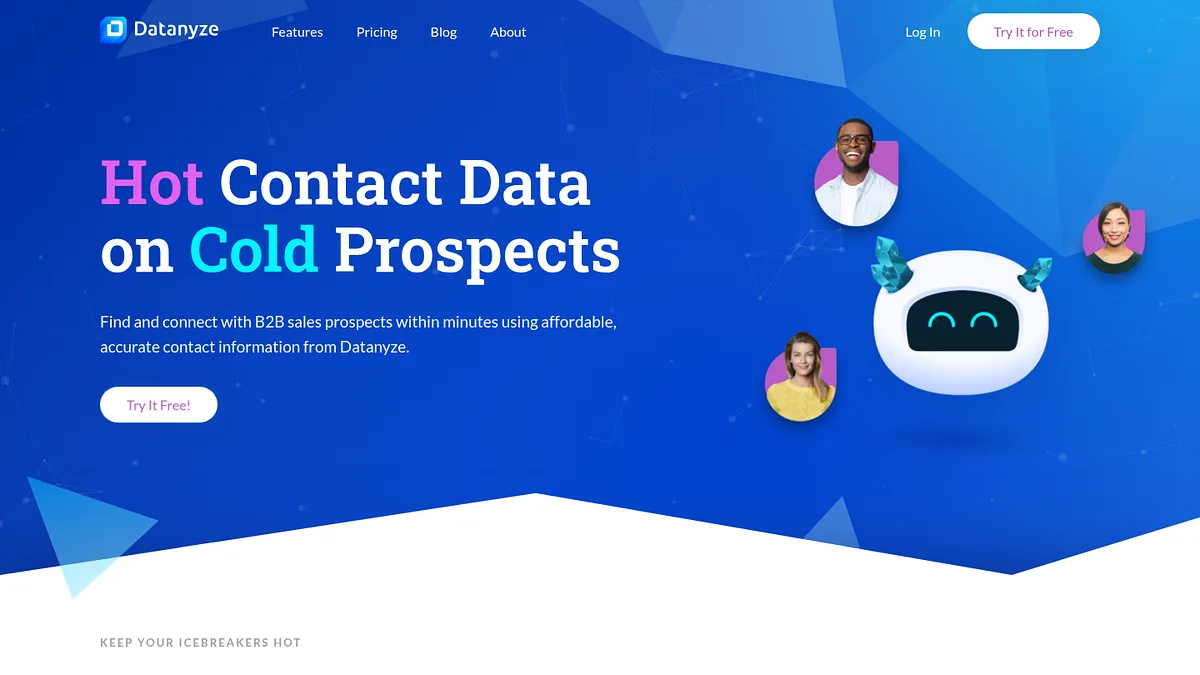
Datanyze used to be a serious standalone technographic player. ZoomInfo bought it and pointed it at contact data instead.
The homepage now leads with "Hot Contact Data on Cold Prospects", which tells you where the priorities went.
What survives is still decent value. A Chrome extension that pulls company and contact information as you browse, on plans running roughly $29 to $55 a month.
For an SDR who wants a quick read on a prospect mid-call, that is money well spent.
For building a segmented list of 20,000 domains, it is the wrong tool and no amount of credits will fix that.
- Best for
- Ad-hoc prospect checks
- Coverage
- Not published
- Entry price
- $29/month
- Export
- Credit limited
What I like
- Cheapest paid option on this list
- Extension is fast and stays out of the way
- Backed by ZoomInfo's contact infrastructure
- Month to month, easy to cancel
Limitations
- Technographic depth dropped after the acquisition
- Small credit allowances block any bulk work
- Not built for segmentation or list building
- Coverage numbers are no longer published
5. NerdyData, grep for the web
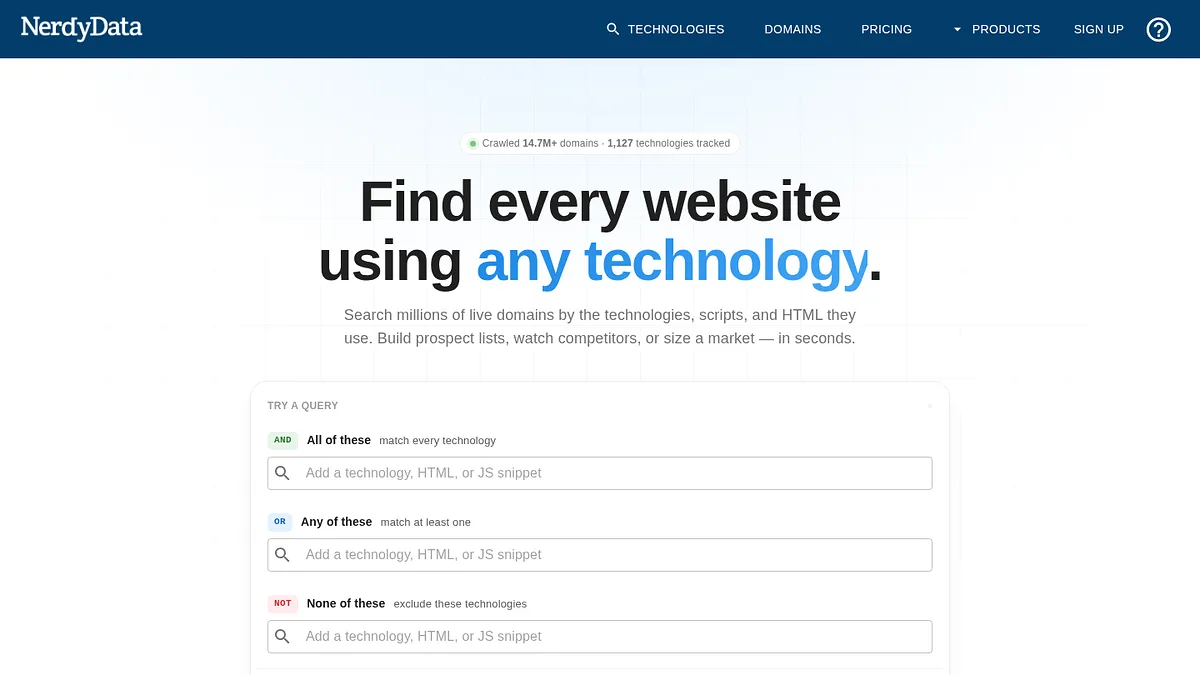
NerdyData indexes the actual source code of the sites it crawls.
That means you can search for any string, not only for technologies someone has already catalogued.
A specific tracking ID. A competitor's affiliate parameter. A particular script snippet. Very few tools can answer those questions at all, and I have used it more than once when nothing else would work.
The index is smaller than the leaders, around 20M+ sites and 1,000+ technologies.
Pricing does not scale down with that: $200 a month for Basic, $300 per user for Pro, $1,000 per team.
You are paying for the search capability, not the coverage. Whether that is worth it depends entirely on whether you have the kind of question only it can answer.
- Best for
- Arbitrary code queries
- Sites indexed
- 20M+
- Entry price
- $200/month
- Technologies
- 1,000+
What I like
- Search any string, not just catalogued technologies
- Finds affiliate IDs, tracking codes and custom snippets
- Strong for competitive and agency research
- Answers questions catalogue based tools cannot
Limitations
- Index is a fraction of the size of the leaders
- Expensive for the coverage you get
- Per user pricing punishes teams
- Thin technology catalogue outside raw search
6. PredictLeads, built for pipelines rather than people
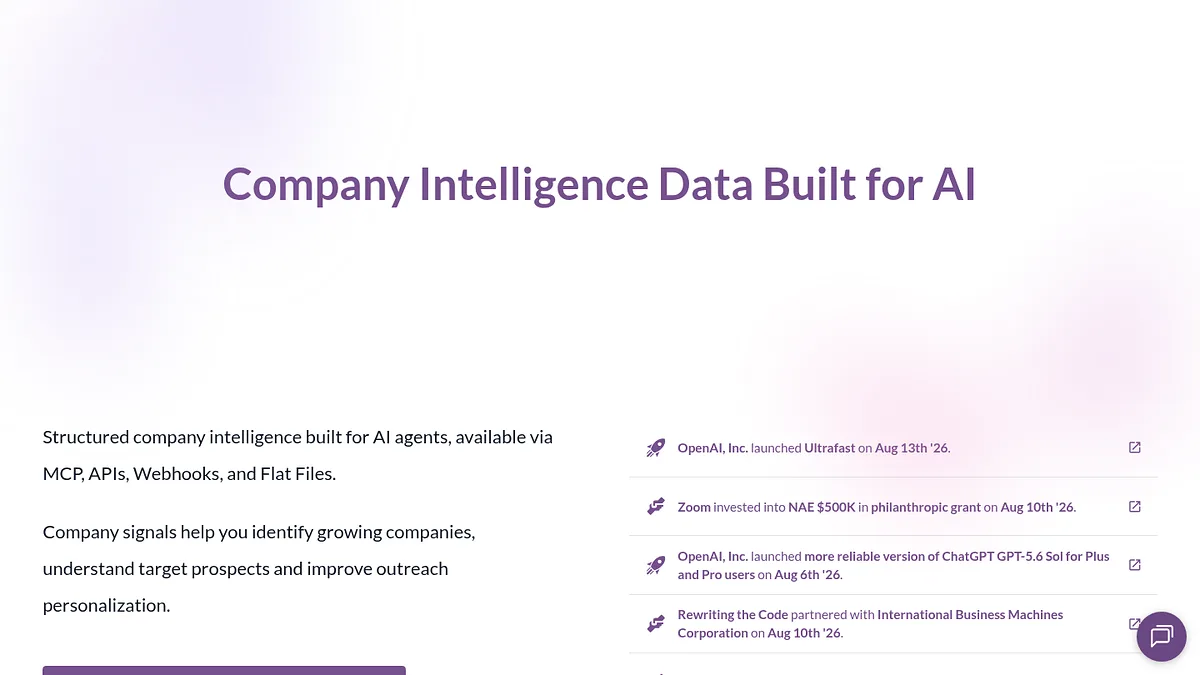
PredictLeads is infrastructure, and it does not apologise for it.
You get technographics alongside job openings, news events, financing events, similar companies and key customers. Delivery is by API, flat file, webhook or MCP.
There is no polished end user app, on purpose.
The credit maths is what makes it interesting at volume. One credit returns up to 1,000 technology detections for a company. Comparable lookups elsewhere can cost several credits for a single company.
If you are enriching a warehouse table of 100,000 accounts on a schedule, that difference decides whether the project is affordable.
The cost is that somebody has to build the thing that consumes it. A marketer cannot self-serve here, and pricing is quote based.
- Best for
- Warehouses and pipelines
- Signals
- Tech, jobs, news, funding
- Entry price
- Quote only
- Delivery
- API, flat file, webhook, MCP
What I like
- Best credit economics on this list for bulk enrichment
- Several signal types from one vendor
- Flexible delivery including flat files
- Built for engineers from day one
Limitations
- Needs engineering time before it returns anything
- No usable UI for non-technical staff
- Pricing is not published
- Wrong shape entirely for a one-off list
7. SimilarTech, good charts, no price list
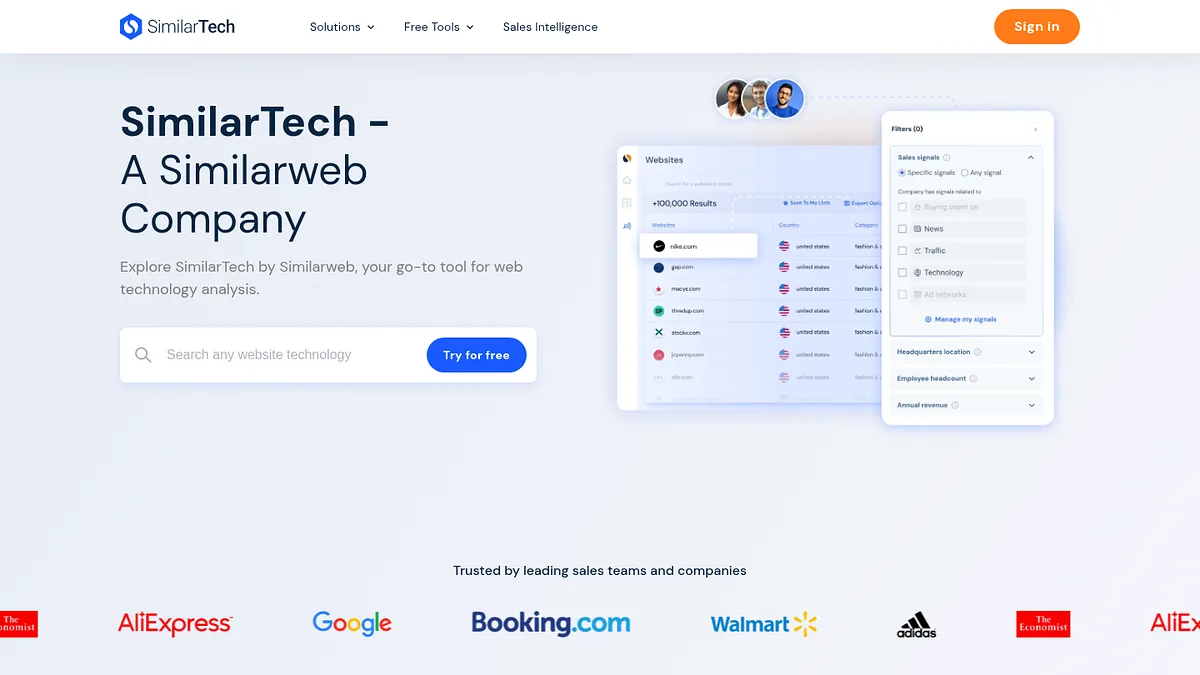
SimilarTech has always been better at the macro view than the account list.
Which technologies are gaining share, in which industries and countries, and how the adoption curve is bending.
If the deliverable is a slide rather than a spreadsheet, that framing beats a raw domain export.
My problem with it in 2026 is organisational. The navigation now routes toward Similarweb properties, and the product publishes no verifiable pricing at all.
Buying into a tool whose roadmap is being folded into a bigger platform is a real risk, and it is why it sits at 7 rather than higher.
- Best for
- Share of market analysis
- Coverage
- Not published
- Entry price
- Not published
- Self-serve
- No
What I like
- Genuinely good trend visualisations
- Useful free public technology reports
- Solid industry and geography segmentation
- Similarweb traffic data adds context
Limitations
- Quote only, with nothing published
- Direction increasingly tied to Similarweb
- Better at aggregates than precise lists
- Coverage claims cannot be verified
8. Wappalyzer, the cleanest engine at a price that stings
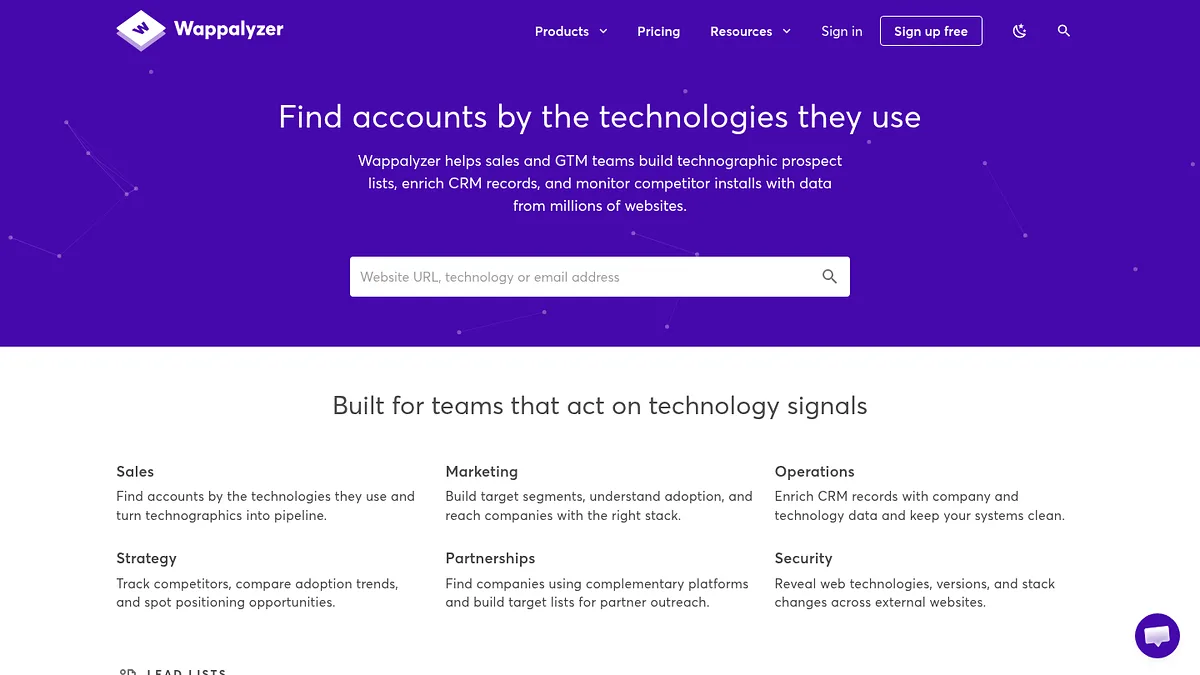
Wappalyzer began as an open source browser extension and never lost the engineering instinct.
Its catalogue is much smaller than BuiltWith's, roughly 8,000 technologies, but detection quality is consistently among the most accurate I have seen.
The API is the nicest to build against in this category by a clear margin.
It is the right pick when technographics feed software you are writing rather than a list you are downloading. Bulk lookups run to around 100,000 domains, and there are native Salesforce and HubSpot apps.
The free extension plus roughly 50 free monthly lookups let you check accuracy before committing, which more vendors should copy.
Then the pricing arrives. $250 a month for Pro and one user. $450 for Business with 5 users, unlimited lead lists and 20,000 API credits. $850 for Enterprise.
That is BuiltWith money for a much smaller catalogue, and it is the reason this sits at 8 rather than in the top three.
- Best for
- API and engineering work
- Technologies
- ~8,000
- Entry price
- $250/month
- Free tier
- Extension, ~50 lookups
What I like
- Detection accuracy is excellent for what it covers
- Best API and documentation in the category
- Free extension lets you verify before paying
- Native Salesforce and HubSpot integrations
Limitations
- 8,000 technologies against BuiltWith's 110,000
- Very little historical data
- Premium price for narrower coverage
- API credits vanish quickly at list scale
9. BuiltWith, the incumbent that still owns the past
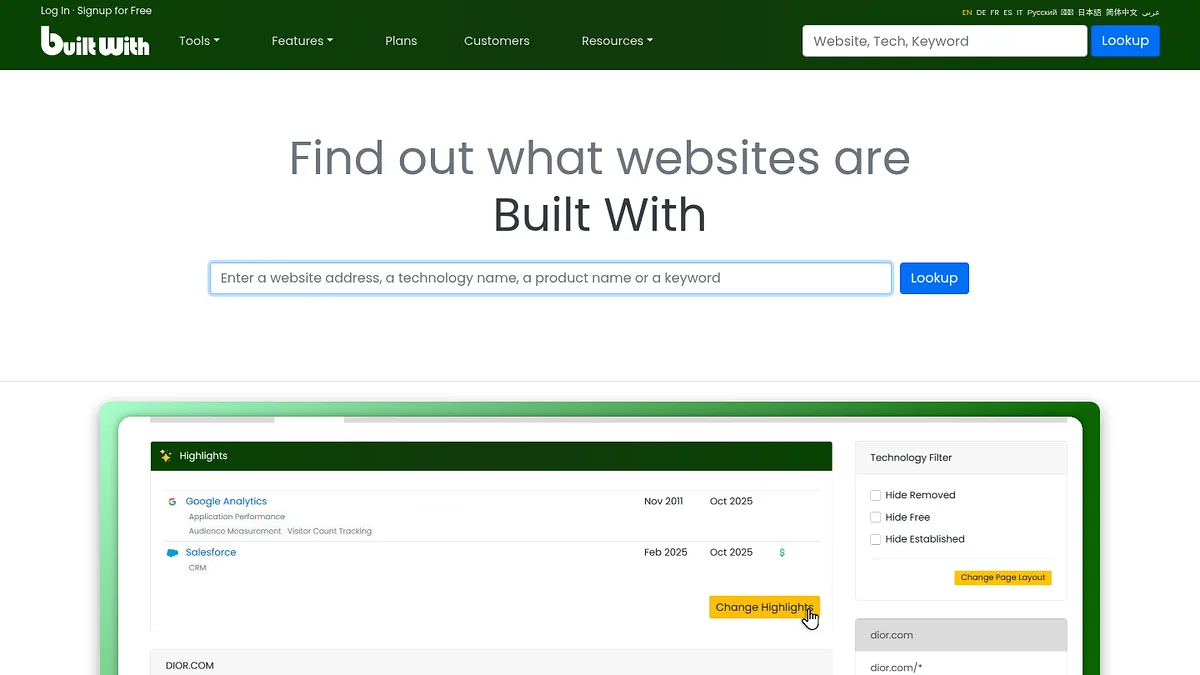
Putting BuiltWith at 9 will annoy some people, so let me be clear about what it does well.
The catalogue is the biggest in the category, roughly 110,000 tracked technologies across 250M+ websites, and it goes far deeper into long tail widgets and trackers than anything else here.
Its real moat is time. BuiltWith has been crawling for well over a decade.
So it can answer questions no newer index can. When did this site first install Segment. What did they replace it with. How long did they keep it.
If you run displacement plays, targeting companies that just dropped a competitor, that history is the entire product and it cannot be replicated quickly.
Now the price. $295, $495 and $995 a month for Basic, Pro and Team on annual billing, with enterprise quotes above that.
There is no meaningful free tier either. The public single site lookup is a demo, not an account, so you cannot test list building at any volume before paying.
For a team that needs one list a quarter, I cannot make that number work.
- Best for
- Historical and displacement data
- Technologies
- ~110,000
- Entry price
- $295/month
- Export
- CSV, plan dependent
What I like
- Largest technology catalogue anywhere
- Historical records nothing else matches
- Excellent free public Trends data
- Mature API and a well understood data model
Limitations
- Roughly seven times StackScan's entry price
- No real free tier to validate coverage first
- Interface feels its age
- No contact data, so lists need enriching elsewhere
10. Apollo.io, light technographics inside an outbound platform
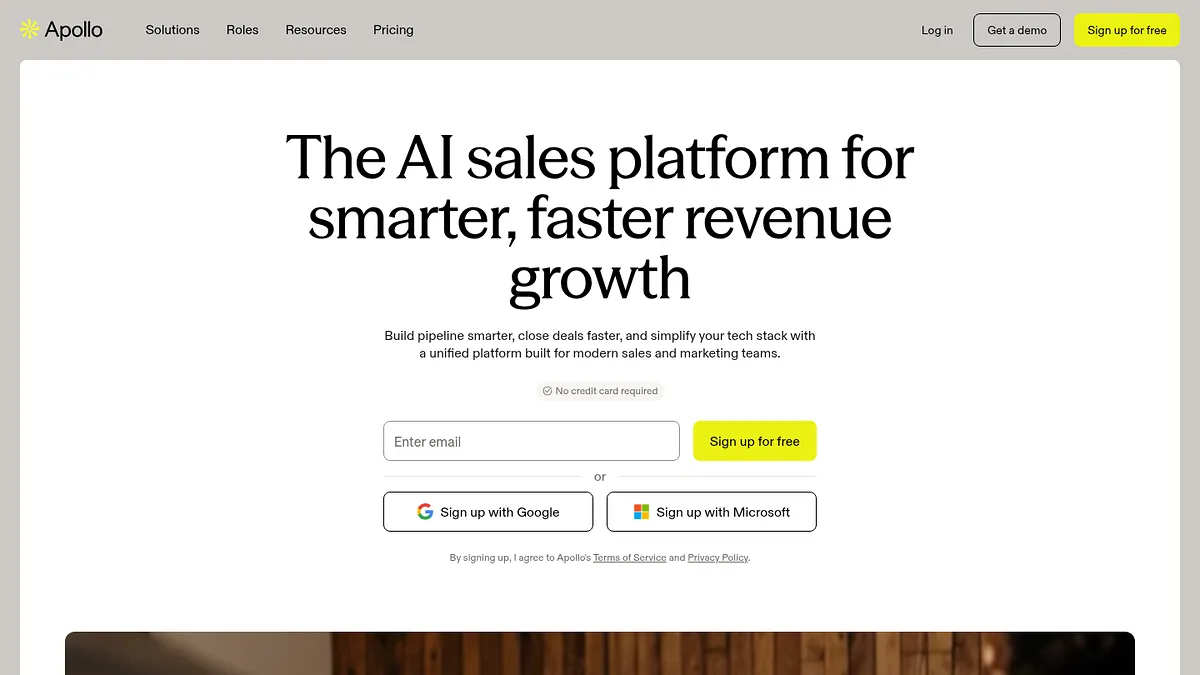
Apollo packages a large contact database, sequencing, dialling and a set of technology filters into one subscription from around $49 per user per month.
For a small team that needs to find accounts, get contacts and send email without stitching three vendors together, the maths is hard to argue with.
The technographic layer is the weakest part of the bundle. Shallow catalogue, detection that lags dedicated crawlers, little transparency on refresh cadence.
As a rough filter it is fine. As the basis for a precise technology defined campaign it will hand you false positives.
- Best for
- Small teams wanting one tool
- Coverage
- Not published
- Entry price
- ~$49/user/month
- Free tier
- Yes, limited
What I like
- Excellent value for a full outbound stack
- Contacts, sequences and filters in one place
- Usable free tier for evaluation
- Quick to onboard a small team
Limitations
- Technology detection is shallow and sometimes stale
- Small catalogue next to dedicated tools
- Little transparency on data refresh
- Per user pricing scales awkwardly
11. Clay, the layer that ties the others together
Clay owns no data of its own.
What it does is orchestrate. It chains providers in a waterfall, trying one source then falling through to the next, across 50+ integrations, then runs enrichment, scoring and AI research on whatever comes back.
For technographics that means querying several detection sources and keeping the first useful answer.
It sits at 11 because it is a multiplier, not a source. Clay makes good tools better. On its own it returns nothing.
You also still pay for the underlying data, so the bill stacks, and the learning curve is the steepest on this list.
- Best for
- Combining several sources
- Providers
- 50+
- Entry price
- ~$149/month
- Owns data?
- No
What I like
- Waterfall enrichment lifts match rates noticeably
- Very flexible workflow building
- AI research handles unstructured questions
- One interface across many vendors
Limitations
- Quality is capped by whatever sources you feed it
- Costs stack on top of provider fees
- Steep learning curve for most teams
- Credit burn is hard to forecast
12. Breeze Intelligence, formerly Clearbit, now HubSpot only in practice
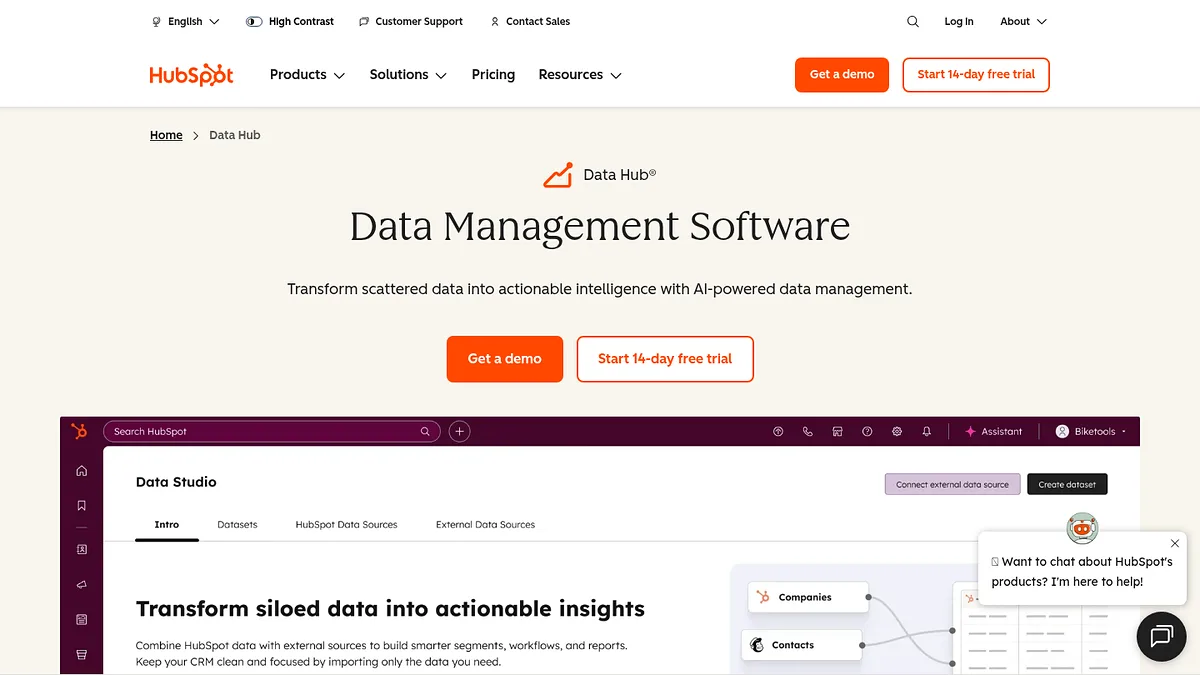
Clearbit is now Breeze Intelligence inside HubSpot, and that repositioning defines both its strength and its ceiling.
It enriches records you already have with firmographic, technographic and demographic fields, automatically, in the system your revenue team already sits in.
No export, no import, no stale spreadsheet.
What it will not do is find anything. Breeze enriches what you give it. It will not hand you a list of companies running a given technology.
If you are on HubSpot it is close to a default. If you are not, the acquisition has made it a lot less relevant, and standalone Clearbit API access has been wound down.
- Best for
- Enriching HubSpot records
- Coverage
- Not published
- Entry price
- HubSpot credits
- Discovery?
- No
What I like
- Zero friction enrichment inside HubSpot
- Records update continuously without work
- Form shortening and buyer intent included
- Nothing new for the team to learn
Limitations
- Enrichment only, cannot build a list
- Effectively HubSpot exclusive now
- Standalone Clearbit API access wound down
- Credit burn is easy to lose track of
13. ZoomInfo, technology filters bolted to the best contact database
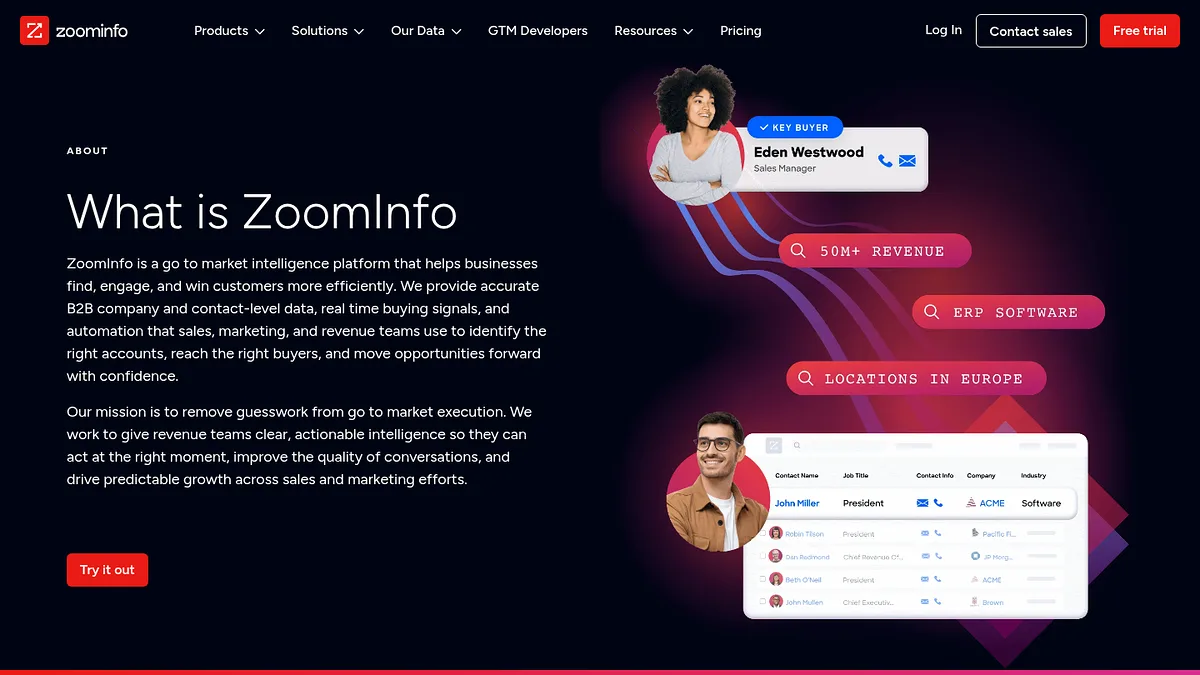
ZoomInfo's technographic filters are fine rather than impressive.
What makes them useful is what sits beside them. A list of domains running HubSpot is worth far less than the same list with verified direct dials for the marketing ops lead attached.
If your team already pays for ZoomInfo, use those filters before you buy anything else on this page. You have already paid for them.
If you do not, buying ZoomInfo for technographics alone is a bad trade. Enterprise pricing, annual contracts, and a data category that is not its strength.
- Best for
- Tech filters plus contacts
- Coverage
- Not published
- Entry price
- Enterprise quote
- Self-serve
- No
What I like
- Contact data quality is the best available
- Tech, intent and firmographics in one query
- Mature CRM integrations
- No separate enrichment step
Limitations
- Expensive annual contracts and firm renewals
- Detection is shallower than dedicated tools
- Export limits frustrate a lot of users
- No published pricing
14. 6sense, technographics as one ingredient in a much bigger system
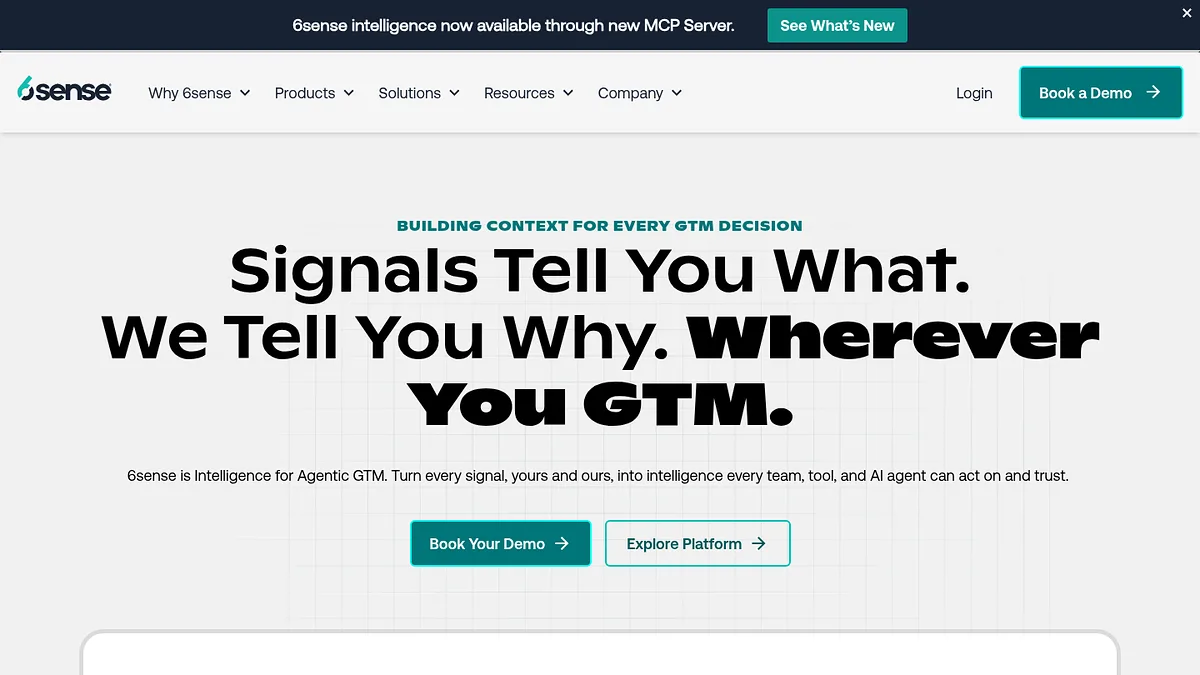
6sense does not sell technographics. It sells account prioritisation, and technology data is one ingredient.
The platform takes anonymous web traffic, third party intent, firmographics and technology signals, then scores accounts by buying stage: Target, Awareness, Consideration, Decision, Purchase.
Its 2021 acquisition of Slintel brought the technographic layer in house. Slintel still works as a lighter standalone option if you want tech and firmographic targeting without the full platform.
The value is in the combination. Knowing a company runs a competitor is mildly useful. Knowing they run it and six people there are researching migration this month is a different thing entirely.
The cost is that you cannot buy just the piece you want, and rollout is a quarter long project.
- Best for
- ABM and intent targeting
- Coverage
- Not published
- Entry price
- Enterprise quote
- Self-serve
- No
What I like
- Combines technographics with real intent signals
- Buying stage scoring is actionable for reps
- Slintel offers a lighter way in
- Strong orchestration and ad integration
Limitations
- Enterprise pricing with no public rate card
- Heavy implementation and onboarding
- Cannot buy the technographic layer alone
- Far too much if you only need lists
15. HG Insights, the one that sees inside the firewall
HG Insights plays a different game to everything above it.
Instead of crawling public web technologies, it models enterprise IT install base and spend across 25M+ companies.
Not just that a company runs Salesforce, but an estimate of what they spend on it and how that compares to peers. The company says 90% of Fortune 500 technology firms use it.
For enterprise vendors sizing territories and setting quotas, that spend layer is the whole point, and nothing else on this list substitutes for it.
Web crawlers cannot see what runs behind a corporate firewall. HG blends non-crawl sources and can approximate it.
It sits at 15 purely on accessibility. Pricing is enterprise only, starts around $31,000 a year, and there is no self-service option and no published rate card.
You will run a procurement cycle to buy this. That is not a criticism of the data, which is good. It is a statement about who this list is for.
- Best for
- Enterprise territory planning
- Companies
- 25M+
- Entry price
- ~$31,000/year
- Self-serve
- No
What I like
- Spend estimation is close to unique
- Sees internal systems crawlers cannot reach
- Analyst grade reporting for planning cycles
- Deep large enterprise coverage
Limitations
- Cost rules it out below enterprise scale
- No published pricing, no self-service
- Weaker on SMB and long tail web technology
- Long implementation before any value
So which one should you actually buy?
Most people over-buy here. They price an enterprise platform for a job a $39 subscription finishes in an afternoon.
Match the tool to the question instead.
- You want a list of domains running a specific technology. StackScan. Cheapest route to a usable CSV and the only top tier tool you can buy without a call.
- You just want to know how big a segment is. W3Techs, free, before you spend anything.
- You want to check one site right now. WhatRuns, also free, and best in class on WordPress plugins.
- You need to know what a company used to run. BuiltWith. Nothing else has the archive.
- A program will read the data, not a person. Wappalyzer for clean detection, or PredictLeads if you are loading a warehouse at volume.
- You need to find an arbitrary snippet or tracking ID. NerdyData is close to the only option.
- You are building a market sizing deck. SimilarTech for the charts, with roadmap questions asked up front.
- You live in HubSpot and want records filled in. Breeze Intelligence.
- You already pay for ZoomInfo or 6sense. Use the filters you own before buying anything new.
- You are planning enterprise territories. HG Insights, and budget accordingly.
- You have good sources and want better match rates. Add Clay on top, but only at that point.
Take the ten accounts you know best, ideally current customers, and look them up in whatever you are evaluating.
If the detected stack does not match what you already know to be true, the headline coverage number is irrelevant.
This single check has disqualified more vendors for me than any feature comparison, and every tool here with a free tier or cheap starter plan lets you run it in under an hour.
Common questions
What is technographic data?
It describes the technology a company uses. CMS, analytics, payment processor, CRM, hosting, marketing automation and so on.
It sits alongside firmographic data (size, industry, revenue) and intent data (what they are researching). Those are the three standard B2B targeting layers.
The practical value is qualification. Knowing a prospect runs a competing product, a complementary one, or nothing at all changes both whether you contact them and what you say.
How is it collected?
Three main methods.
Web crawling parses public pages for scripts, headers, DNS records and markup signatures. Accurate for anything client side, blind to anything internal.
Job post analysis pulls technology mentions from hiring listings. It reaches internal tooling, but it infers use rather than confirming it.
Panel and partnership data aggregates from installed software and reseller relationships. That is how vendors like HG Insights estimate spend behind the firewall.
The better programmes combine at least two.
How accurate is it really?
It varies more than vendors admit.
Crawl based detection of front end technology is generally reliable. Back end systems, internal tools and anything behind a login are much weaker.
Spend and seat count figures are models, not measurements.
Data also decays, because companies change stacks constantly. Refresh frequency matters as much as initial accuracy.
Validate against accounts you already know before trusting any of it at scale.
Is any of this genuinely free?
Yes, for research and single lookups.
W3Techs publishes its survey data free. WhatRuns is a free extension with no signup and no lookup cap. Wappalyzer's extension and BuiltWith's public site lookup both work at no cost.
For building lists at volume, no. Free tiers are demos.
The cheapest real accounts are Datanyze at around $29 a month for browsing based prospecting, and StackScan at $39 for actual list building.
Why is BuiltWith so much more expensive than newer tools?
Partly the historical archive, which is costly to maintain and impossible to backfill. Partly incumbency. BuiltWith has been the category default for over a decade and prices like it. Newer entrants compete on access and price rather than catalogue depth, which is why $39 entry points now exist for work that used to need a $295 minimum.
Can I get away with just one tool?
Usually, if you are honest about the job. Most teams need one dedicated tool for discovery and export, and already own something with contact data for enrichment. The buyers who genuinely need several are those combining public web detection with internal tool signals and spend estimates, which normally means enterprise GTM teams with the budget to support it.
How I ranked these
Four criteria, weighted in this order.
Access. Can you buy and use it today, or is it a procurement project?
Cost to first useful output. What you actually pay to get a list you can act on, not the headline entry price.
Coverage against price. Catalogue size and index scale measured against what you are charged.
Export freedom. Whether data leaves the platform cleanly or gets throttled by row limits and per record unlocks.
That weighting is why the incumbents sit mid table. BuiltWith and Wappalyzer are good products that cost roughly seven times what the tool at the top of this list costs, and for most buyers that gap is not repaid.
Coverage figures throughout are each vendor's own published claims, quoted as such and not independently audited. Several vendors here publish nothing verifiable at all, and I have said so where that applies. Pricing is as publicly listed in August 2026 and changes often.
The decision framework above matters more than the running order for any specific use case.